
Mitchell Ruiz, Home simulator writer
Most home simulator regrets come down to a few inches. A camera unit that needs more room behind the ball than the garage has. A ceiling that's fine for a wedge and not for a driver. A screen that's wider than the bay it's meant for. The manuals usually say all of this. The product photos almost never do.
So I read the setup pages first. I copy the stated minimum ceiling height, room depth and distance to the screen into one sheet, with their units, and I note when a manufacturer gives no figure at all. For screens and enclosures I put the listed frame size next to the room sizes owners mention in their reviews.
Software is the other trap. A listing can show a famous course on a big screen while the course app is a separate purchase, a subscription or only available on one platform. I look up what the listing and the app page say about each, and the guides repeat it plainly.
I write the guides on indoor space, alignment, simulator software and accessories. I can't tell you how a mat feels under a 7-iron, and I won't pretend to. I can tell you whether it fits your room.
Areas of expertise
- Room size: ceiling, depth and width
- Screens, enclosures and hitting mats
- Simulator software and device compatibility
- Alignment and setup routines
- What ships in the box
How I work
- I copy every room figure (ceiling, depth, width, distance to the screen) from the manual with its unit, and flag the ones a manufacturer leaves out.
- For each simulator listing I sort the software into three lists: included, subscription, sold separately.
- Before I call a screen, stand or mount a fit, I match it to the monitor's own listing or manual.
- I keep the setup complaints that repeat across owner reviews and leave the one-off stories out.
Articles by Mitchell Ruiz
Written
 Setup Guides
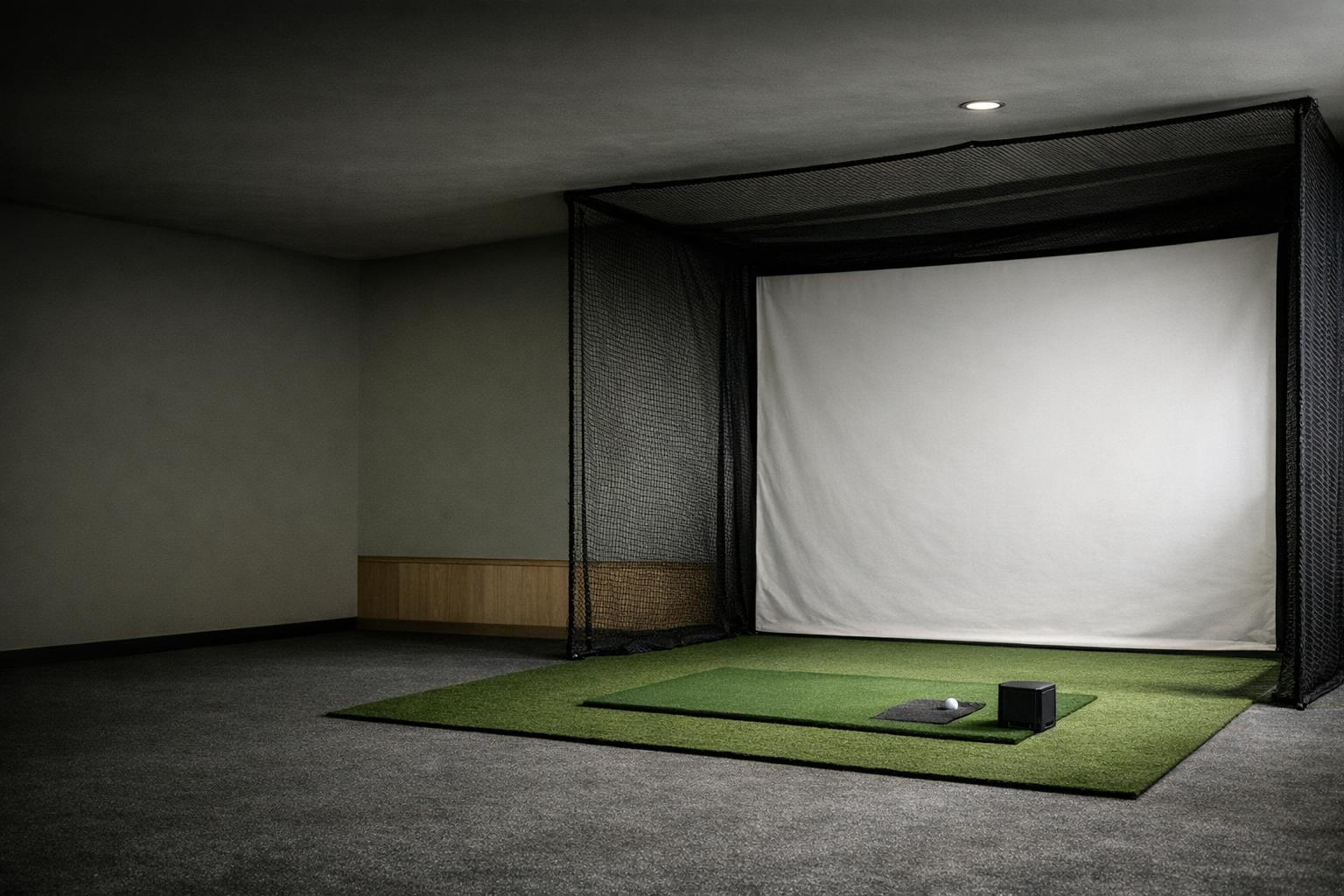
Indoor Launch Monitor Space: Plan the Ball, Sensor, Swing, and Screen
Measure an indoor golf space around the exact monitor, swing clearance, impact containment, and everyday access before buying.
Read the guide Setup Guides
Launch Monitor Alignment: Build a Repeatable Target Reference
Set a repeatable launch monitor target line, ball position, and session check before interpreting left-right golf data.
Read the guide Buying Guides
Golf Simulator Software: Verify Compatibility Before Buying Courses
Check launch monitor support, computer requirements, activation, course licenses, and practice tools before choosing simulator software.
Read the guide Buying Guides
Launch Monitor Accessories: Buy the Parts Your Setup Actually Requires
Choose supported golf balls, containment, mats, mounts, computing, and storage accessories around your exact launch monitor workflow.
Read the guideEdited
 Buying Guides
How to Choose a Launch Monitor for Your Space and Practice Goals
Choose a golf launch monitor by checking room fit, useful measurements, software compatibility, and the complete setup cost.
Read the guide Launch Monitor Basics
Measured vs. Calculated Golf Data: Know What a Launch Monitor Number Means
Separate sensor measurements, derived metrics, and modeled ball flight so that launch monitor data supports the right practice decisions.
Read the guideHow we compare and rate launch monitors and practice gear is explained on How we rate. The rest of the team: Our editors.