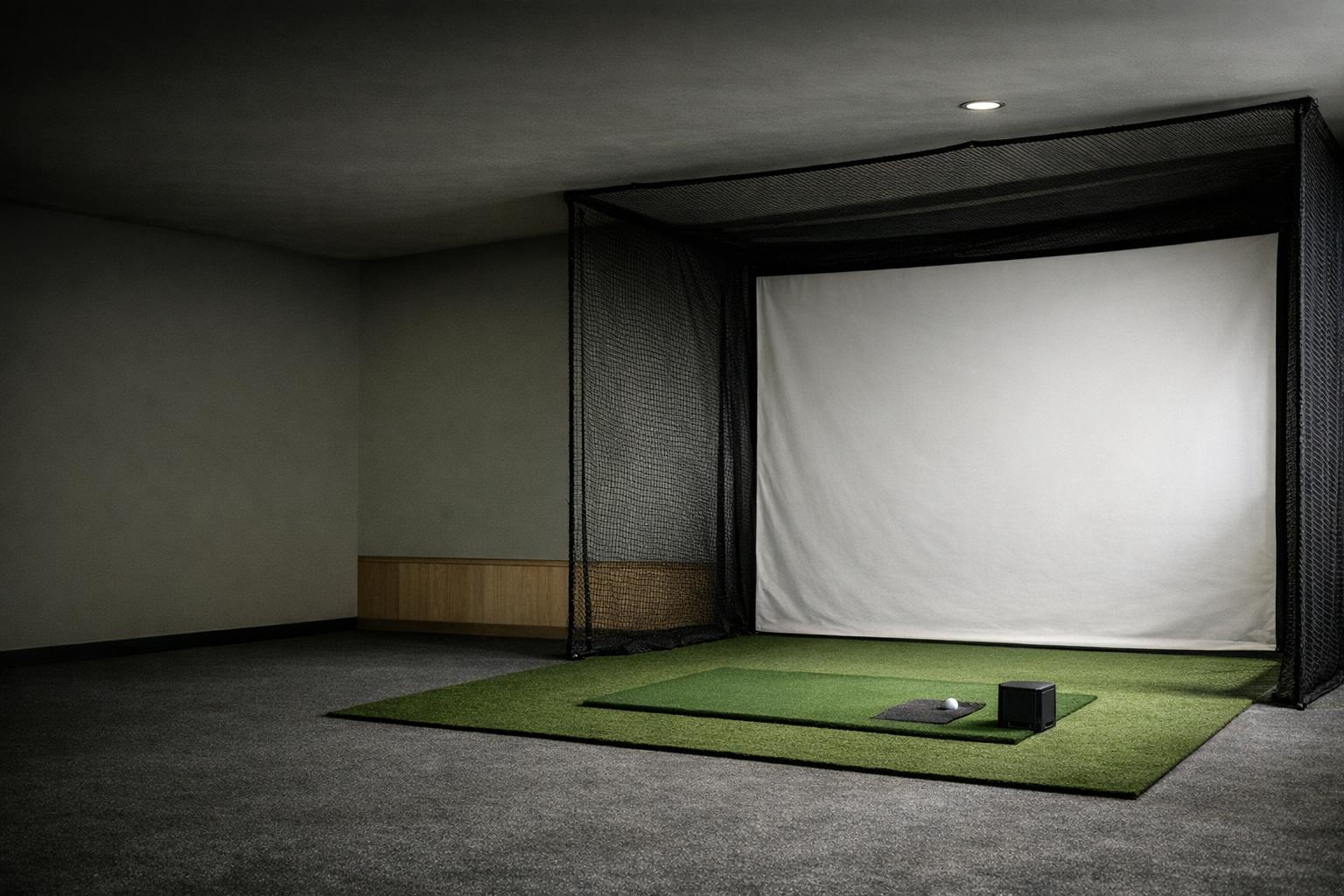
Start with the place you will practice and the decision you want the numbers to help you make. A launch monitor for a shared garage, an outdoor range, and a dedicated simulator can require different compromises. Build a shortlist around documented requirements before comparing the longest feature list.
Name the job before choosing the hardware
Write one concrete goal:
- Carry map: map carry distances through the bag.
- Wedges: practice wedge distance control.
- Lessons: work with an instructor on delivery.
- Play: play simulated courses with friends.
Rank those jobs if you want several. This prevents a course library from distracting you from the measurements you actually need for lessons, or advanced club data from consuming a budget intended for family entertainment.
Also write down who will use the equipment. Include left-handed guests, the tallest golfer, the person who will set it up, and whoever manages the computer. Decide whether it will stay installed or return to a closet after every session. Those details belong in the buying decision because a technically capable device is of little use if the household cannot use the whole setup comfortably.
Make room fit a pass-or-fail test
Measure the proposed hitting location before shopping. Record the ball position, monitor position, screen or net, ceiling obstructions, walking routes, and storage footprint. Do not use a room's nominal length as proof that the required distances fit. The indoor space planning guide separates sensing space from the space needed to swing and contain a ball.
As one model-specific example, Garmin places the R10 behind the ball, with 6-8 feet between monitor and tee and at least 8 feet from tee to an indoor net.[1] That example is a screening tool, not a universal room recommendation. Get the exact manual for every candidate. Reject any plan that depends on routinely moving the golfer closer than the documented setup permits.
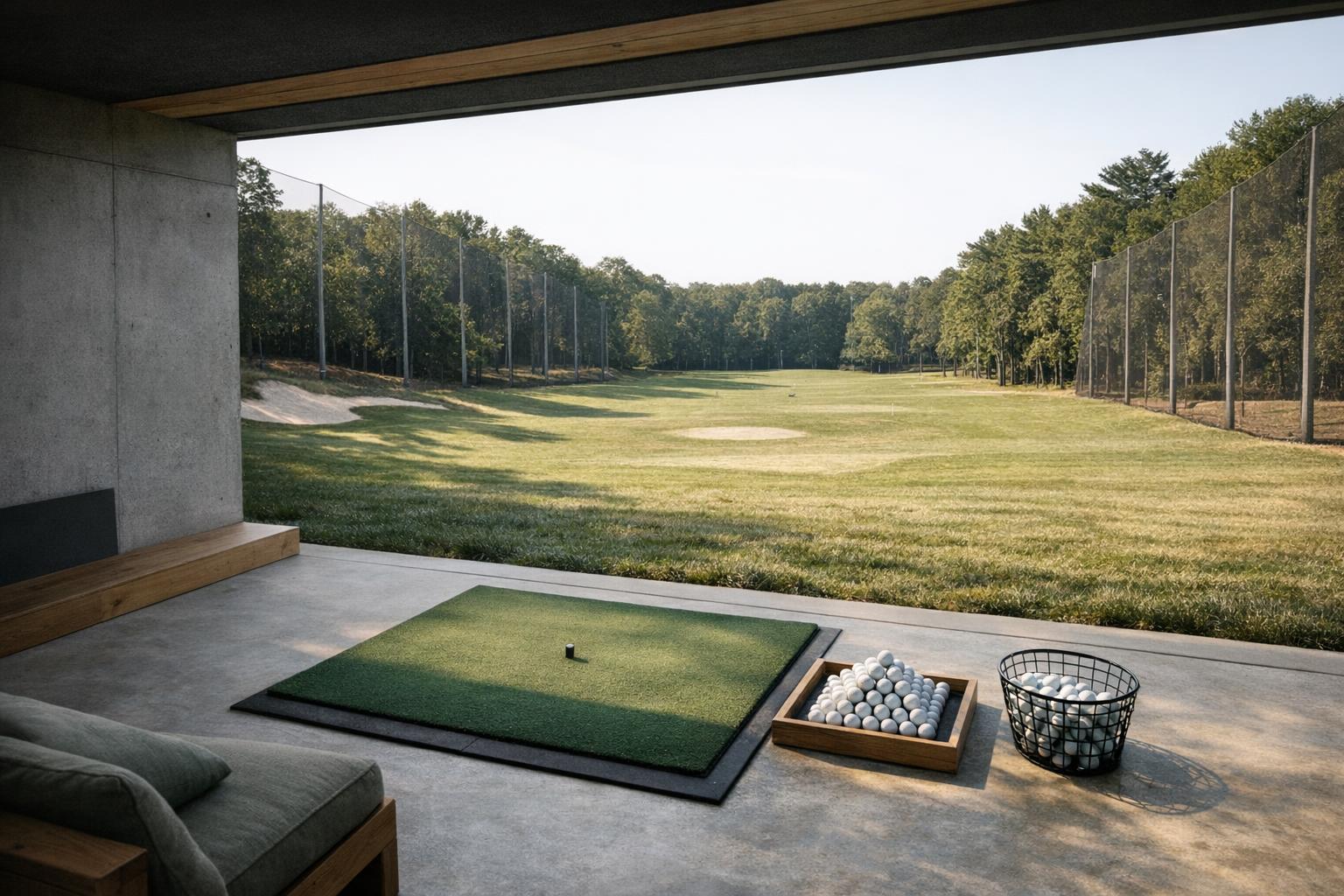
Buy the measurements your decisions require
Make a short table with your required metrics in one column and the candidate's documented method in another. Distinguish ball speed, launch direction, spin, carry, and club delivery. Foresight explains that its camera system captures images around impact to obtain launch information.[3] This does not mean that every number on every camera-based device is directly measured.
Read the guide to measured and calculated data before treating an on-screen number as a sensor reading. Ask which fields appear in the operating mode you intend to use and whether optional hardware, markings, subscriptions, or software packages are needed. A metric that appears only in a promotional screenshot has not yet earned a place in your comparison table.
Trace the complete software chain
List the monitor, app, operating system, computer or tablet, display, and course software as separate components. Verify the connection between each pair. Foresight's FSX Play support page, for example, specifies supported launch monitors and requires a Windows PC; that is a product-specific restriction, not a general simulator rule.[6]
Use the simulator software checklist to check activation, account ownership, renewals, and included courses. Ask what remains usable if you stop paying for an optional package. For used equipment, obtain confirmation of what actually transfers. Avoid budgeting from the original owner's feature list or assuming a license automatically follows a physical device.
Compare complete setups, not box prices
Create a purchase sheet with separate lines for the monitor, hitting surface, containment, computer, display, mounts, supported balls, cables, and any recurring software. Mark each item as already owned, required, or optional. Add delivery and installation where relevant, but use current seller information rather than imagined discounts. A lower monitor price does not settle the complete budget.
Keep discretionary upgrades separate. Start with the items needed for your stated job and a compliant setup. A larger projected image, extra courses, or more elaborate furniture may be worthwhile later, but they should not hide an unresolved compatibility requirement. Save the exact model names and the documentation you relied on so that a similar-looking bundle cannot silently change the comparison.
| Check | What to verify |
|---|---|
| Job | One ranked goal and the people who will use it |
| Room fit | Exact-manual distances (e.g. Garmin R10: 6-8 ft behind the tee, 8+ ft to the net) |
| Measurements | Which fields are documented in your operating mode |
| Software chain | Monitor, app, OS, computer, display, course software |
| Complete setup | Mat, containment, computer, display, mounts, balls, renewals |
| Acceptance | Checks you can run within the return window |
Set acceptance criteria before ordering
Define the checks you will perform within the seller's actual return window. These can include completing setup using the manual, connecting your intended software, capturing the shot types you practice, reviewing saved sessions, and changing users without rebuilding the room. These are proposed acceptance checks, not claims that we have tested any model.
Choose the simplest candidate that meets the non-negotiable requirements. If no candidate fits, change the plan instead of forcing the purchase: use an outdoor location, book practice time at an equipped facility, or delay the simulator portion. A good shortlist should explain both why a device qualifies and what remains uncertain. Manufacturer documentation supports specifications; your actual room and workflow still require verification.