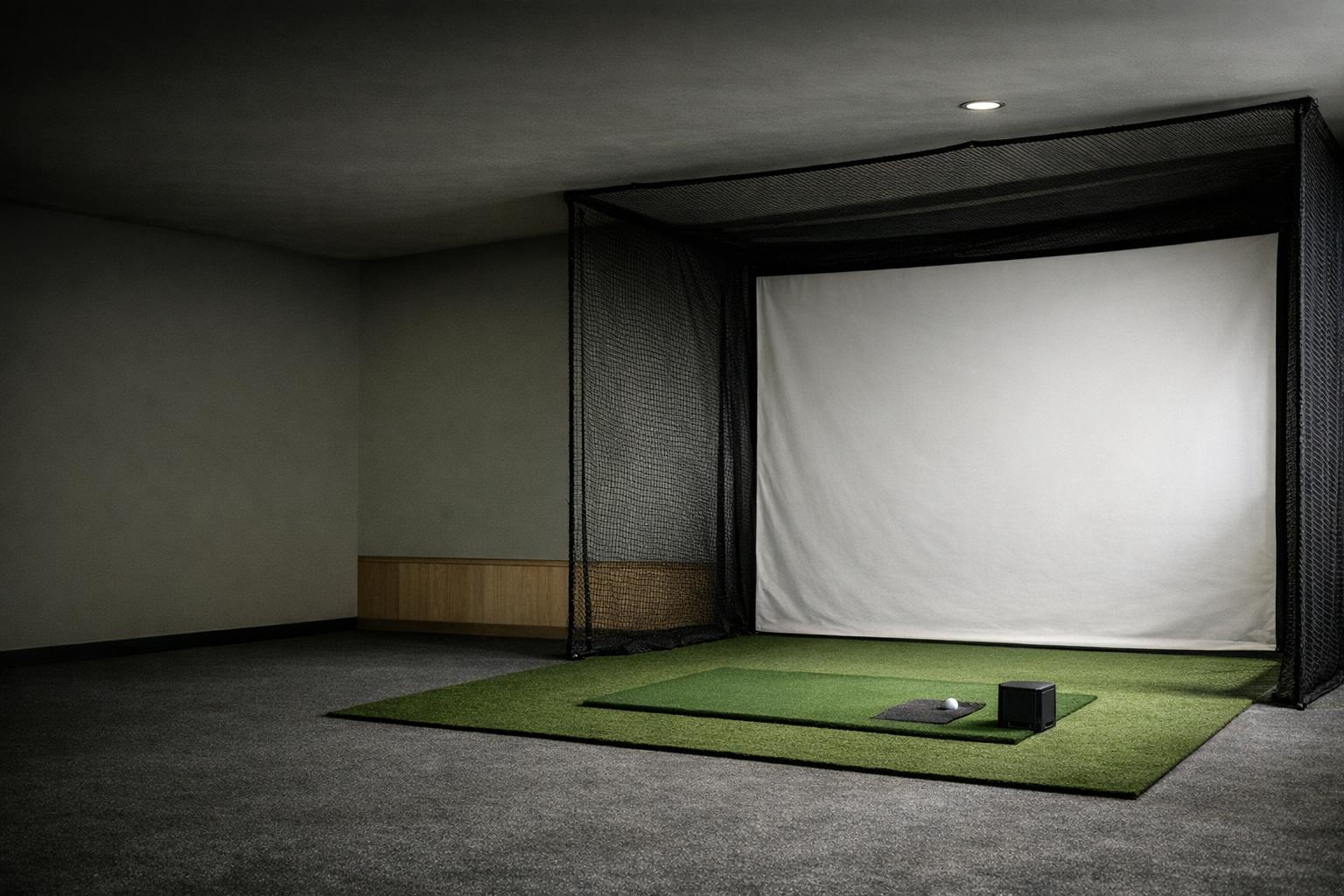
Plan an indoor golf area as several overlapping spaces: the device needs a documented view of the shot, the golfer needs room to swing, and the containment system needs room to work. A single minimum room dimension cannot answer all three questions for every golfer and device.
Locate the ball before buying a screen
Begin with a floor plan and a proposed ball position. Mark:
- Structure: walls, doors, beams and windows.
- Fixtures: tracks, lights and shelving.
- Fixed items: anything that cannot move.
Add the intended stance for each player. Then locate the monitor and impact surface according to their own instructions. Work from the usable space, not dimensions copied from a room listing.
Keep a second drawing for the room's ordinary use. A garage may need vehicle access, storage access, or a clear route to the house. Decide which objects must move before golf starts and where they will go. If making the room usable requires an impractical reset every time, reconsider the location before buying equipment. The buying guide treats room fit as an early qualification step.
Use distances from the exact manual
For the Garmin R10, the manual specifies 6-8 feet behind the tee and at least 8 feet between the tee and an indoor net.[1] These distances describe that monitor's setup; they do not establish a universal room size. Record the corresponding dimensions for your exact model, including any different mode used for short shots.
Add the containment manufacturer's required space behind and around the impact surface. Do not count that area twice or assume the screen can rest against a wall. Compare a side-mounted or overhead candidate on its own terms rather than borrowing a behind-the-ball layout. The technology comparison guide helps you identify which placement questions to ask.
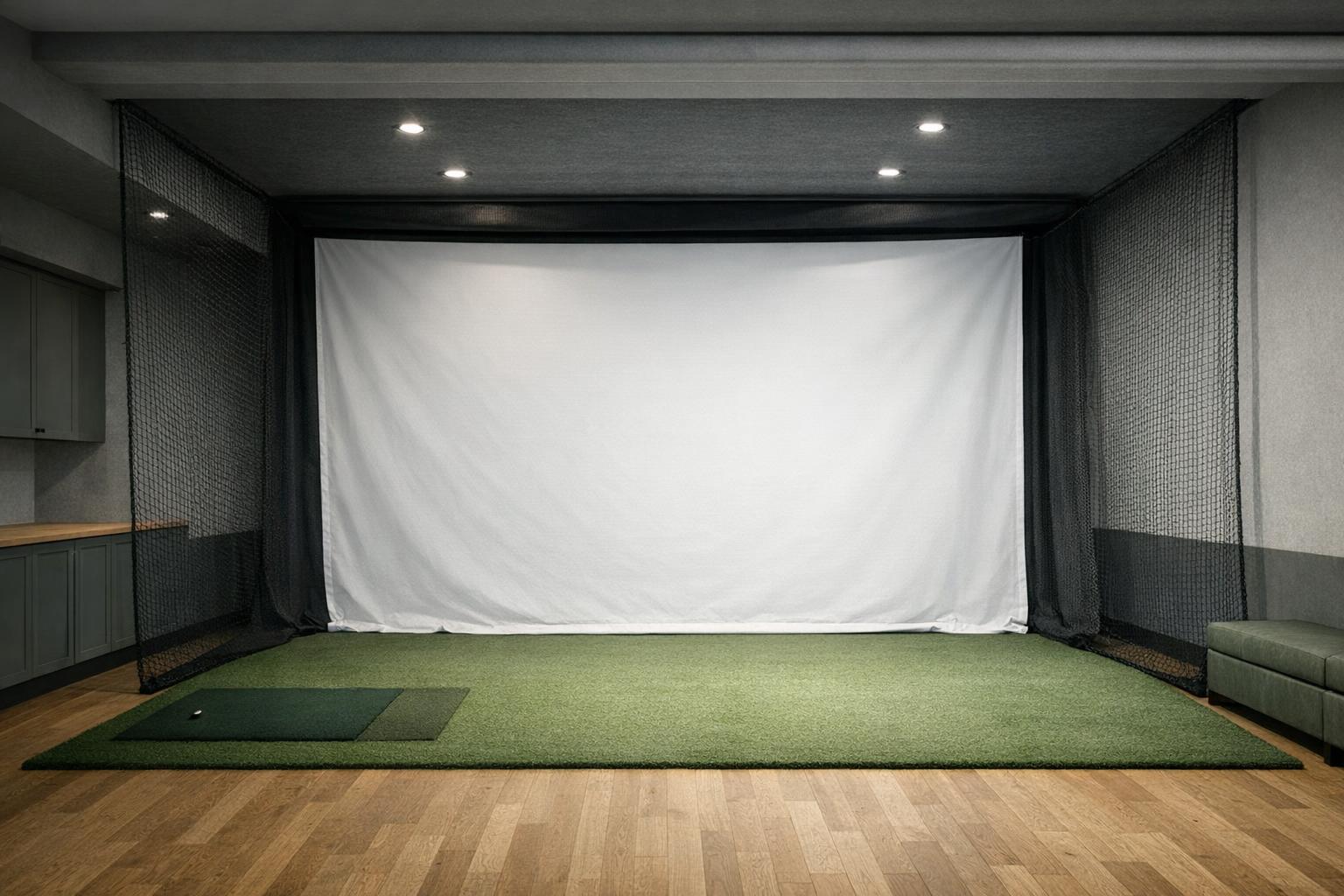
Check the actual swing envelope
Use the tallest intended player and the clubs you plan to allow when evaluating clearance. Account for the full motion, not simply standing height plus club length. A ceiling that looks clear above the ball can still have a light or track where the club travels. Treat any uncertainty as a reason to revise the layout before hitting a ball.
Garmin's indoor cautions cover unobstructed swings, containment coverage, space behind the net or screen, and padding for exposed frames.[1] Use those cautions alongside the containment maker's installation instructions. They are not a substitute for checking your particular room. Keep spectators and household traffic outside the active hitting area, and establish a clear routine for pausing play when someone needs access.
Plan the whole system at floor level
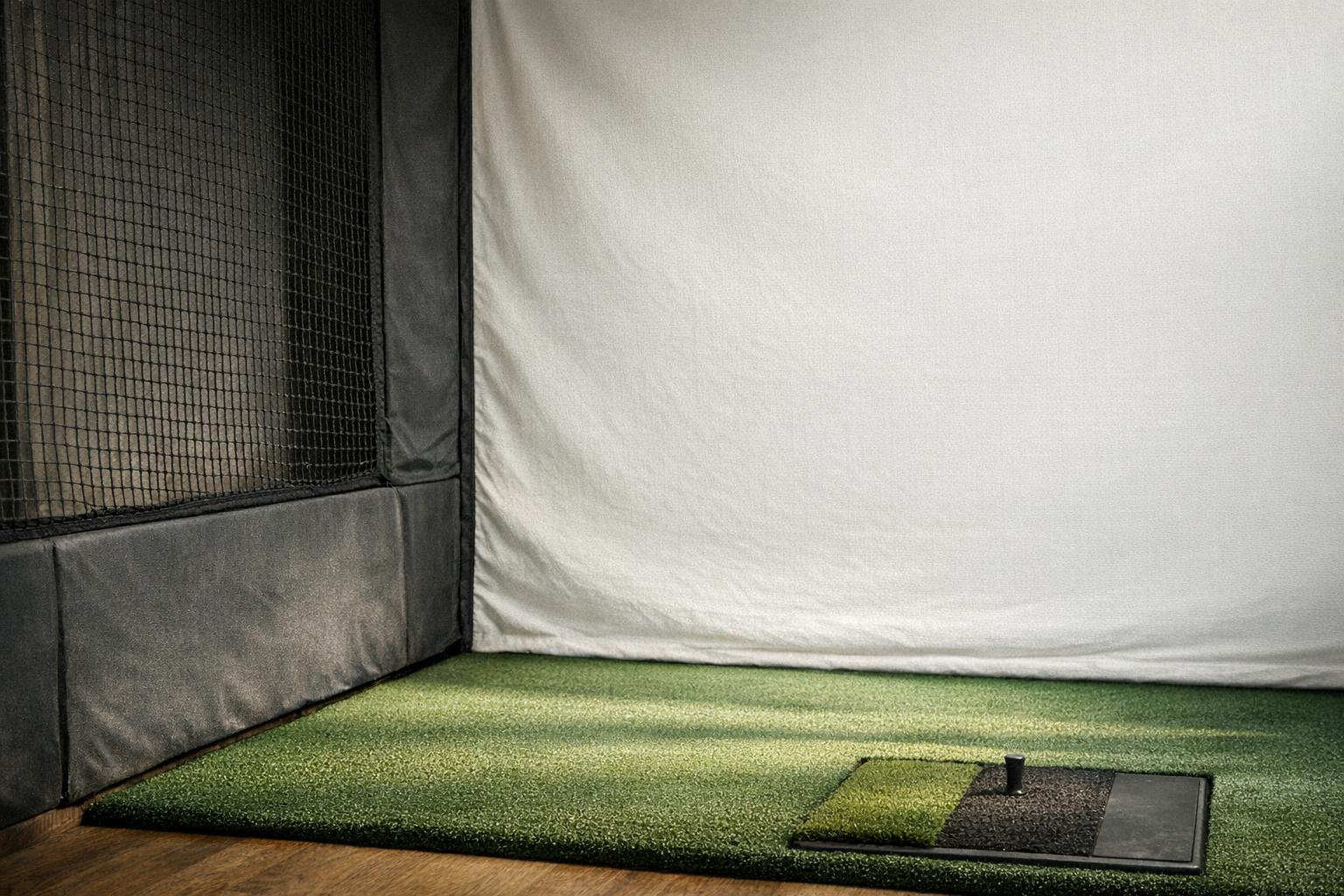
Draw the hitting mat, stance area, monitor support, computer location, and cable routes. The monitor's required height relationship to the hitting surface should come from its manual. Do not compensate for a thick mat with an improvised stand unless the resulting placement meets those instructions. Mark a repeatable ball location so that moving the mat does not silently alter the setup.
Keep controls accessible without reaching through the swing area. Plan how you will inspect the screen or net and retrieve balls without stepping around loose cables. If the equipment is stored between sessions, use clear placement marks and a written setup sequence. Our accessory planning guide covers stands, containment, and other items that belong in the complete layout.
Design for all the people who will use it
Check left- and right-handed use separately. A room that works for one player may require a different stance location, monitor arrangement, or software setting for another. Ask the device maker how switching works and whether the proposed ball location remains inside its supported hitting area. Do not assume that a wide projected image guarantees a useful physical hitting area.
Think about the less exciting routines too: cleaning the floor, opening a cabinet, moving the screen, and storing clubs. A permanent mount should not be chosen before the room plan is settled. Where structural attachment or electrical work is required, follow the installation instructions and use qualified help when appropriate. Avoid turning a reversible equipment purchase into an unsuitable permanent room change.
Approve the layout in stages
First confirm dimensions on paper. Next establish the empty layout without live shots and verify that every required component has a suitable place. Then complete installation and inspection under the relevant manuals. Only begin normal use when swing clearance, containment, device placement, and access are all resolved. A successful sensor connection is not approval of the physical hitting area.
Save photographs, measurements, and settings for your accepted layout. If you later replace the mat, move a mount, change the screen, or invite a taller player, revisit the affected checks. The outcome may be a smaller set of permitted clubs or a different room. A realistic practice area is more valuable than an ambitious plan that depends on ignoring one of its constraints.
| Space | What defines it |
|---|---|
| Sensing space | Exact manual (Garmin R10: 6-8 ft behind the tee, at least 8 ft tee to net) |
| Swing envelope | Tallest player and permitted clubs, full motion |
| Containment | Coverage, space behind the screen, padded frames |
| Floor layout | Mat, monitor height relation, computer, cable routes |
| Users | Left- and right-handed stance positions |