Radar and camera describe sensing approaches, not a guaranteed accuracy ranking. Compare the exact device, operating mode, and installation requirements. The useful question is whether its documented setup fits your practice environment and provides the data you need without a routine you will avoid.
Understand what the sensor observes
Short answer Radar and camera describe sensing approaches, not a guaranteed accuracy ranking. Compare the exact device, operating mode and installation requirements, and choose the one whose documented setup fits your space and data needs.
A behind-the-ball unit and a camera positioned near impact look at a shot from different locations. Foresight describes its camera-based method as comparing captured ball images around launch.[3] FlightScope documents separate setup requirements for full-flight and limited-flight use of its radar products.[5] Those descriptions help identify the operating conditions to investigate; they do not establish that every product in one category outperforms the other.
Avoid reducing a buying decision to a slogan about technology. Ask for the relevant manual, a supported-data list, and the required location of the sensor. If a system combines sensing methods, assess the actual installation rather than forcing it into one category. The model and software mode are the units of comparison.
Draw each candidate into the same room
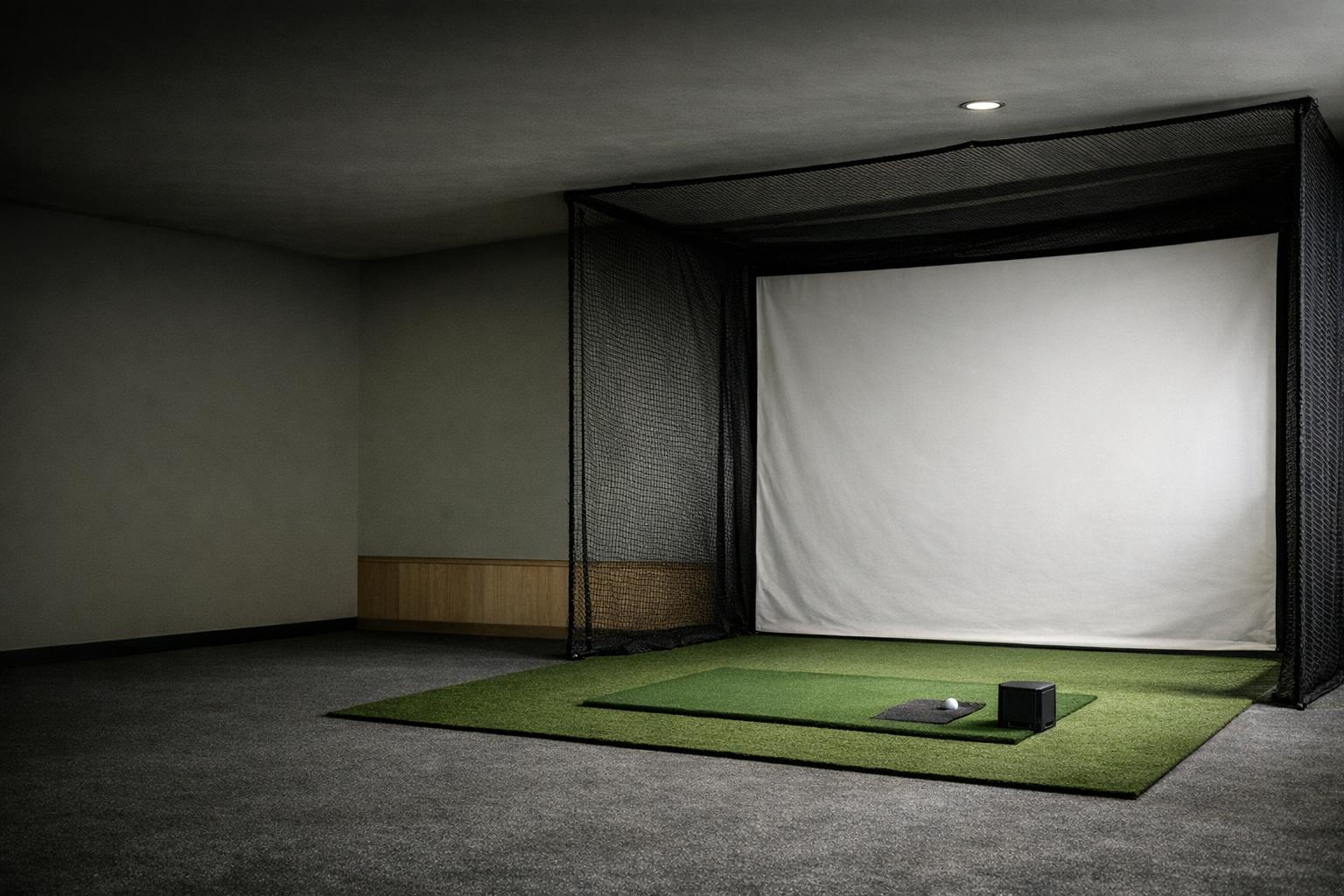
Make a scaled sketch with a fixed ball location. Add the footprint and required placement for each candidate, then the containment system and the swing envelope of every intended user. Do not move the ball on the drawing merely to make the monitor fit without revisiting the swing and containment checks. The indoor space guide gives a practical sequence for this exercise.
Separate a sensing requirement from a comfortable household layout. A configuration might satisfy a device's measurement distances but still obstruct a doorway or leave a guest standing in an unsuitable spot. Include where a tablet, computer, and cables will go. For a temporary installation, sketch the storage route too. Repeated setup should be part of the comparison, not an afterthought.

Ask how indoor spin is obtained
Short flight into a net deserves its own compatibility check. Titleist lists specific monitors validated for its RCT balls indoors; compatibility should therefore be checked by model rather than assumed for all radar units.[4] Confirm the monitor maker's current instructions as well. A ball accessory cannot independently certify your room, firmware, or operating mode.
Ask whether the device measures spin for the shots you intend to hit and how the software identifies estimates or missing readings. Do not treat a visually smooth flight trace as evidence of successful spin capture. Keep any required ball treatment or ball model in the setup cost and daily routine. Our accessory guide helps separate measurement requirements from optional extras.
Compare switching and aiming routines
For a shared simulator, investigate what must change between right- and left-handed players. Look for documented hitting zones, approved placement, and the steps required to switch users. Do not assume that every camera unit needs moving or that every radar unit requires no adjustment. Ask how a guest selects a profile and how you confirm the device is ready before the next swing.
Alignment also needs a repeatable routine. The alignment checklist explains how to keep a physical target and software target consistent. During a demonstration, ask the operator to show the normal setup from a packed state. Watching that sequence can reveal a workflow mismatch that would be invisible in a specification chart.
Evaluate data and software separately
Create two checklists. The first covers supported measurements and shot types in your intended environment. The second covers the software, licenses, accounts, exports, and display you want. A sensor that supplies the desired readings may still be a poor match for your preferred computer or game. Conversely, an attractive course interface cannot add measurements the hardware does not provide.
Ask for evidence that applies to the exact package being sold. If an optional club-data package is shown in a demonstration, identify it explicitly. If putting or chipping matters, verify those modes separately from full swings. Keep unresolved points marked as unresolved; do not turn a dealer's broad statement about a product family into a confirmed feature for a particular model.
| Checklist | Covers |
|---|---|
| Data | Supported measurements and shot types in your intended environment |
| Software | Software, licenses, accounts, exports and display |
| Setup | Required sensor position, hitting zone, switching routine |
| Indoor spin | Validated balls or markers for the exact model and mode |
Choose a method you can use consistently
Prioritize by setting:
- Outdoor range: a placement you can legally and practically establish at your usual facility.
- Fixed indoor bay: documented fit, supported balls, stable alignment, and the intended user mix.
- Space that must be dismantled: the number of pieces and the time needed to re-establish the setup accurately.
If you compare devices in person, use the same ball, club, target, and shot selection while respecting each manual. Record the settings and any failed captures. That is a proposed comparison method, not a promise of laboratory equivalence. Choose from the resulting evidence and your workflow. A category label alone cannot settle reliability, convenience, or whether the complete system is worth its cost to you.