
Alignment gives directional data a reference. Establish the physical target, ball position, and device orientation before trying to diagnose a shot pattern. The aim is a repeatable setup that follows the exact manual and survives ordinary changes such as moving a mat or switching practice locations.
Choose a physical target you can identify again
Start with a deliberate target, not whichever object happens to appear in the middle of the screen. Indoors, use the aiming procedure described by the monitor and simulator documentation. Outdoors, choose a distinct visible reference that is appropriate for the hitting bay. Record the choice before the session so that later shot directions have a meaningful context.
Keep target selection separate from ball distance. You may use an object for direction without knowing its exact yardage. Do not let an uncertain distance marker undermine an otherwise useful alignment reference. If the facility asks you to change bays, treat the new position as a new setup. The range measurement guide shows how to preserve that change in your session record.

Follow the model-specific aiming sequence
Garmin's R10 manual aligns its red line with the tee and intended target and notes that ball and club angles reference a parallel target line.[1] That is a concrete procedure for one device. A different monitor may use a different alignment aid, placement, or software step. Read those instructions rather than copying the visible position of somebody else's setup.
Place any temporary alignment aid only as directed, and remove items that should not remain in the active area before hitting. Do not improvise a laser or change a mount to chase an apparently straighter trace. If the manual provides a built-in calibration or alignment check, follow that sequence and preserve the resulting settings. A physical reference should be established before interpreting directional feedback.
Keep the ball and hitting surface consistent
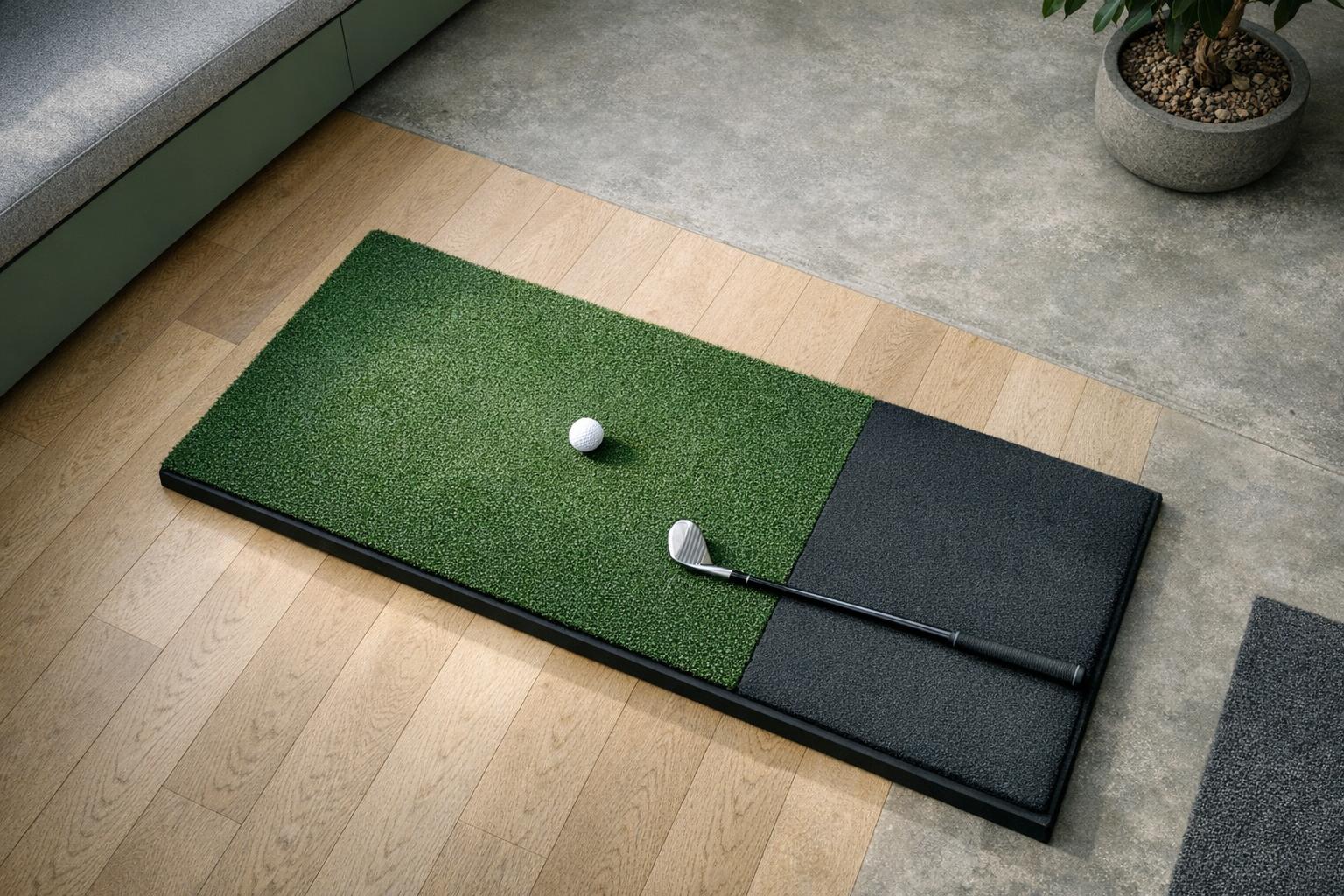
Mark a repeatable ball position within the device's supported hitting area. Check the mat's location and orientation whenever it has been moved. The tee point, stance area, and monitor support should return to a known arrangement. A line on the floor is useful only if it refers to the accepted layout rather than a convenient but unverified position.
Include the vertical relationship between device and hitting surface where the manual specifies one. Do not assume a new mat or thicker insert leaves the previous placement valid. The indoor layout guide helps you record the complete geometry. Treat replacement mats, adjusted stands, and moved screens as changes worth checking, even when the room itself has not changed.
Verify software orientation and units
Before starting a comparison, inspect:
- Player: the selected player and handedness.
- Target: the intended target.
- Offset: any aiming offset the software exposes.
Read the sign conventions for left and right rather than assuming that a positive number always has the same meaning. Save a screenshot if the settings are easy to forget or if several people share the system.
Foresight defines azimuth as the initial horizontal angle relative to the target line.[3] That definition illustrates why the reference matters before interpreting a number as a swing characteristic. Our data definitions guide provides a broader checklist. Use your own system's documentation for the actual labels and avoid applying another manufacturer's terminology without confirming it.
Recheck after a physical interruption
Build a brief reset routine for the moments that can disturb the setup: retrieving equipment, moving the monitor to switch users, rolling up a mat, or relocating the computer. Compare the positions with your saved marks and check the target reference again. The routine should be short enough to use consistently, not a complex ritual performed only on installation day.
If several shots appear unexpectedly offset, pause the comparison and inspect the setup before changing your swing to satisfy the display. Look for an obvious moved component or changed software target. Do not repeatedly rotate the monitor until the trace looks desirable. That would change the reference to fit an expectation and make the collected data less useful for understanding the actual shot pattern.
| Interruption | Recheck |
|---|---|
| Retrieving equipment | Saved marks and target reference |
| Moving the monitor to switch users | Position, handedness setting |
| Rolling up or replacing a mat | Ball position and device height relation |
| Relocating the computer | Software target and player profile |
| Changing bays | Treat it as a new setup |
Save an alignment record with important sessions
For a fitting comparison or a baseline practice session, keep a photograph of the accepted arrangement, the target description, and the relevant settings. Include measurements required by the manual and note any uncertainty. This is a practical audit trail for your own use, not a certification of the device's accuracy. It makes a later support request easier to explain.
When a directional result remains puzzling, preserve the original data and ask the manufacturer about setup or an instructor about interpretation. Explain what you verified rather than simply reporting that everything was aligned. A useful record distinguishes the physical reference, software reference, and the golfer's intended shot. Once those are consistent, the numbers can support a much more focused discussion of what happened.